


Are too many AI tools making your content workflow harder to manage?
It happens quickly. One tool handles research, another helps with writing, a third optimizes for search, and soon your team is juggling multiple overlapping platforms that add more work than value. The result is often higher costs, inconsistent output, and a workflow that feels more fragmented than efficient.
The challenge is figuring out which AI tools genuinely improve your content process and which ones add another layer of complexity.
We analysed seven tools that cover the core content workflow, from research and strategy to writing, optimization, design, video, distribution, and analytics. You’ll see what each tool does well, who it suits, and how it can fit into a leaner content stack.
7 best AI tools for content marketing in 2026
The right AI content stack should cover different parts of the workflow instead of giving you several tools that solve the same problem. The seven tools below were selected for distinct content marketing jobs, from research and planning to creation, optimization, repurposing, distribution, and performance analysis.
**Pricing is in USD and was checked in September 2026. Plans and regional pricing can change.
1. Perplexity
Perplexity is one of the first tools we’d open when a topic needs proper research before anyone starts writing.
Think of it as a search engine with an AI layer on top. You ask a question, it pulls information from the web, summarizes it, and shows you the sources behind the answer.
That makes it especially handy when you want to move fast without losing track of where your information came from.
What is Perplexity best for in content marketing?
Perplexity works especially well for research-heavy content. You can use it to:
- Find recent industry reports and studies
- Validate statistics before adding them to a draft
- Research competitors or categories
- Track recent developments around a topic
- Find common questions people are asking
- Compare different viewpoints before choosing your angle
It’s also useful when you’re entering a topic you don’t know well yet. Instead of opening 15 tabs and trying to piece everything together, you can use Perplexity to get the lay of the land first.
How can content teams use Perplexity in their workflow?
Use it before you build the outline. Say you’re updating a blog. You could ask Perplexity to find recent product updates, original research, relevant statistics, and common questions around the topic.
From there, your strategist can decide:
- Which sources are credible
- Which findings actually matter to the reader
- Which questions deserve their own section
- Which stats are worth verifying and using
One important rule: always open the source before publishing the claim. Perplexity makes research faster. It doesn’t replace fact-checking.
Who should use Perplexity for content marketing?
Perplexity is a strong fit for teams producing technical, research-heavy, or fast-changing content.
The workflow is especially useful for marketing consultants researching client industries, competitors, and market changes.
If most of your content comes from internal expertise, customer interviews, or proprietary data, you may use it less often. But for external research, it can save a lot of time.
2. ChatGPT: A strong fit for content strategy and planning
ChatGPT is probably the most flexible tool on this list. You can use it for research, planning, outlines, messaging, drafting, editing, and repurposing. But where we’ve found it most useful is in building repeatable content workflows around tasks your team does every week.
What is ChatGPT best for in content marketing?
ChatGPT works well when you already have information but need help organizing, analyzing, or developing it further.
For example, you can give it:
- SME notes
- Keyword data
- GSC queries
- Audience information
- Product positioning
- Existing blog copy
- Customer pain points
- Competitor or SERP research
Then ask it to find stronger angles, identify missing questions, improve an outline, or suggest ways to repurpose the content.
This is where it becomes much more useful than simply asking, “Write me a blog.”
How can content teams use ChatGPT in their workflow?
At Revv Growth, we’ve gone beyond one-off prompts. Our content team has built custom GPTs around the tasks we repeat across client and internal projects.
We use them to:
- Analyze SERPs
- Review GSC data
- Find ranking and optimization opportunities
- Generate and improve outlines
- Develop blog ideas
- Support research
- Create first drafts from approved briefs
- Optimize existing blogs
The difference is context. We don’t ask ChatGPT to produce an article from a one-line prompt. We give it the audience, funnel stage, keyword data, search intent, positioning, research, existing content, and any performance data we have. Then the writer decides what stays.
Who should use ChatGPT for content marketing?
ChatGPT makes sense for strategists, SEO teams, editors, growth marketers, and lean content teams that need one flexible tool across several jobs.
Teams are already using it for content ideation, editing, and improving existing blog copy. At the enterprise level, BBVA has rolled ChatGPT out across marketing and other business functions.
The more context you give it, the better it gets. Give it vague prompts, and you’ll usually get vague content back.
Read: How to rank on ChatGPT and improve your AI search visibility.
3. Claude: Useful for long-form writing and editing

Claude feels most useful when you already have the research, brief, and direction in place and now need help turning that into a strong long-form draft.
It handles large amounts of text well, which makes it handy for teams working with detailed briefs, source documents, transcripts, or existing articles.
What is Claude best for in content marketing?
Claude works well for:
- Drafting long-form sections
- Rewriting weak paragraphs
- Summarizing research
- Cleaning up SME notes
- Reviewing a long draft
- Editing for clarity and flow
- Comparing a draft against a detailed brief
It’s especially useful when the writing needs to stay consistent across a longer piece.
How can content teams use Claude in their workflow?
Start by giving Claude the material it needs. That could include:
- The approved brief
- Research sources
- Brand guidelines
- Example articles
- Product messaging
- SME notes
- Existing draft sections
Then work section by section.
We prefer this approach because it gives editors more control. You can review the argument, check facts, add original insight, and fix weak sections before moving on. It also reduces one of the biggest problems with AI-generated long-form content: repetition.
Who should use Claude for content marketing?
Claude is a good option for editorial teams, long-form writers, and content teams working with a lot of source material.
The important part is keeping a human editor in the loop. Even when Claude speeds up drafting, writers still need to check facts, remove repetitive language, and refine the final copy.
It can also work at scale. Copy.ai uses Claude inside its content generation workflows, showing how the model can support larger content operations when there’s a clear process around it.
Use Claude to get from brief to strong first draft faster. Don’t use it as your final editor.
4. Surfer SEO: Useful for search-led content optimization

Surfer SEO helps you understand what a page may be missing from an SEO perspective. It looks at the SERP, compares your content with competing pages, and gives you recommendations around topics, terms, structure, and coverage.
For teams publishing a lot of SEO content, that can make optimization much more consistent.
What is Surfer SEO best for in content marketing?
Surfer works well for:
- Optimizing new blogs
- Refreshing existing content
- Finding missing topics
- Checking topical coverage
- Building SEO-informed briefs
- Auditing pages that have lost rankings
The key is not to treat the content score like a target you need to chase at all costs.
A score can tell you something is missing. It can’t tell you whether adding it will actually make the article better.
How can content teams use Surfer SEO in their workflow?
We’d use it after the main strategy is clear.
A simple workflow looks like this:
- Understand the search intent.
- Build the brief around what the reader needs.
- Write the draft using original research and expertise.
- Run it through Surfer.
- Review the gaps.
- Add only what improves the article.
If Surfer suggests a subtopic that answers a useful follow-up question, great.
If it suggests squeezing in another keyword just to push the score from 82 to 87, that’s probably not worth it.
Who should use Surfer SEO for content marketing?
Surfer makes the most sense for SEO teams, content agencies, and companies with a large library of search-led content.
It already appears in SEO workflows where teams use optimization tools after research and drafting. If you publish one thought leadership article every few months, you probably don’t need it. If you’re optimizing dozens or hundreds of pages, it becomes much more useful.
5. Canva: Handy for everyday content design
Canva is one of those tools almost every content team finds a use for. You don’t need to be a designer to create a clean blog graphic, LinkedIn carousel, webinar banner, or simple infographic. And that’s exactly why it works well for lean marketing teams.
What is Canva best for in content marketing?
Canva is useful for creating:
- Blog banners
- Social graphics
- LinkedIn carousels
- Infographics
- Webinar assets
- Lead magnets
- Presentations
- Quote cards
- Simple charts and diagrams
The bigger opportunity is repurposing. Instead of publishing a 2,000-word guide and stopping there, you can turn the same ideas into several visual assets for distribution.
How can content teams use Canva in their workflow?
Build templates once, then reuse them. For example, your team could have fixed templates for:
- Blog graphics
- LinkedIn carousels
- Webinar promotions
- Stat cards
- Event announcements
- Customer quotes
That way, writers and marketers can create everyday assets without waiting on design for every small request.
You still need clear brand rules, though. Otherwise, it’s very easy for every Canva asset to start looking like a Canva template.
Who should use Canva for content marketing?
Canva works especially well for lean teams, social-heavy brands, and companies producing a lot of visual content without a large design team.
For smaller teams, the choice often comes down to whether they need fast design creation with some publishing functionality or a dedicated social platform.
And it can scale far beyond small teams. Canva features examples such as Stripe using Canva Enterprise across its marketing operations.
For complex brand campaigns or custom illustration, you’ll still want a designer. For everyday content assets, Canva removes a lot of unnecessary back-and-forth.
6. OpusClip: Great for getting more from long-form video
OpusClip solves a very specific content problem. You have a 45-minute webinar, podcast, customer interview, or founder video, but nobody has time to sit through the whole recording and manually cut 10 short clips.
What is OpusClip best for in content marketing?
OpusClip can help repurpose:
- Webinars
- Podcasts
- Founder interviews
- Customer interviews
- Event recordings
- Product discussions
- Educational videos
It finds shorter moments inside the long recording, adds captions, reformats the video, and gives you clips you can review for social.
How can content teams use OpusClip in their workflow?
Start with content you’ve already invested in. Say your team runs a one-hour webinar.
That single webinar might contain:
- A strong customer question
- A tactical tip
- A founder opinion
- A product insight
- A useful quote
Instead of letting the recording sit on YouTube, run it through OpusClip and turn those moments into shorter assets.
You still need to review them. The clip the AI thinks is most engaging may not be the one that makes the most sense for your campaign.
Who should use OpusClip for content marketing?
OpusClip makes the most sense for teams already producing long-form video.
That includes webinar-heavy brands, podcast teams, founder-led companies, and event marketers.
You’ll see the same need among content teams trying to turn webinars and long-form recordings into social-ready clips.
If you don’t create much video in the first place, though, there’s probably no reason to add another video tool to your stack.
7. Buffer: Useful for distribution and performance tracking
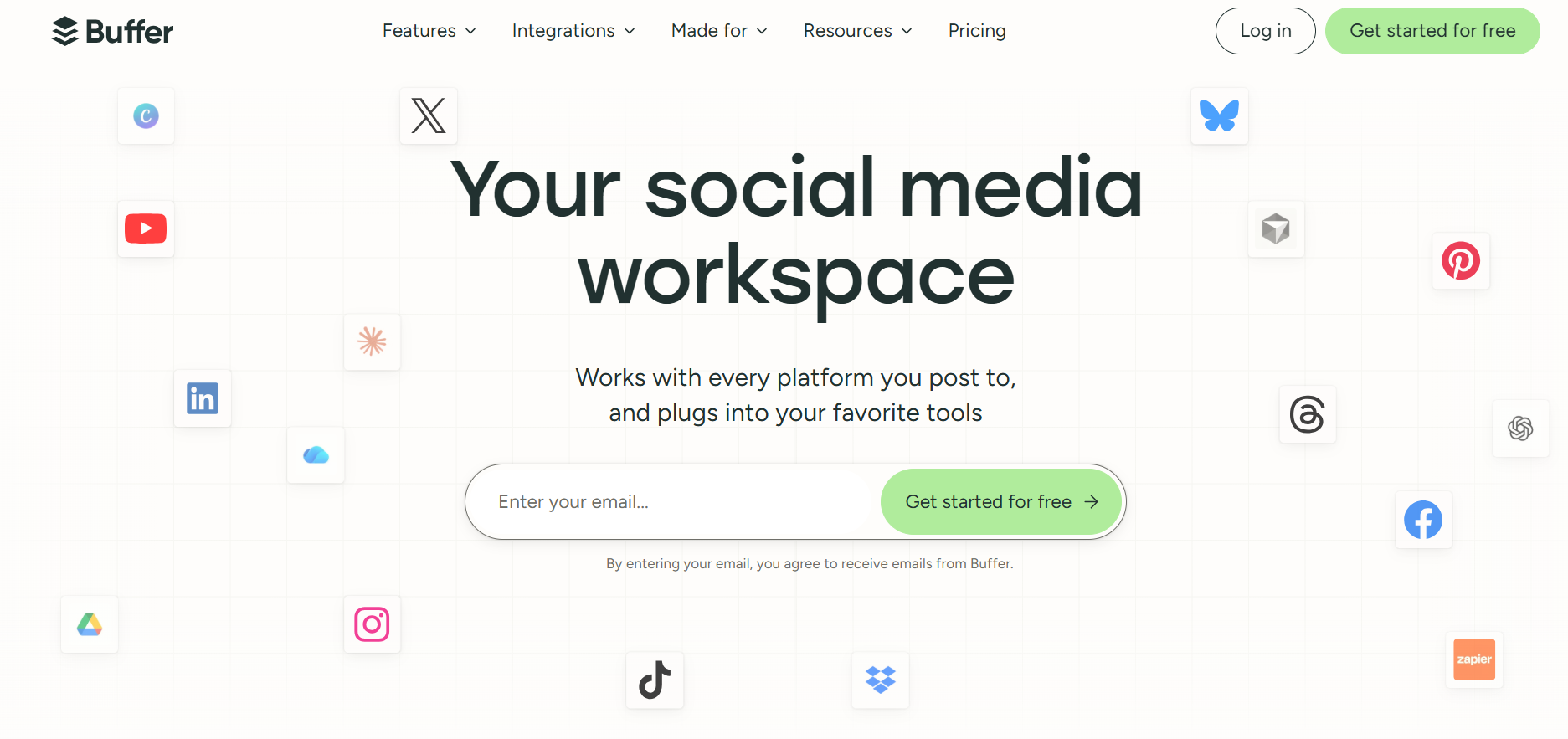
Buffer comes in after the content is created. It helps teams schedule social posts, organize content across channels, repurpose existing assets, and see what’s actually getting engagement. That matters because publishing the blog is only half the job.
What is Buffer best for in content marketing?
Buffer can help with:
- Scheduling social posts
- Managing a content calendar
- Publishing across multiple channels
- Repurposing long-form content
- Creating social copy
- Tracking post performance
- Identifying stronger formats and topics
It gives smaller teams one place to manage the distribution side of the content workflow.
How can content teams use Buffer in their workflow?
Take one long-form asset and plan several touchpoints around it. For example, one guide could become:
- A LinkedIn post
- A short X thread
- A carousel
- A follow-up insight
- A quote post
- A reshare a few weeks later
Buffer helps you schedule those posts instead of trying to do everything on launch day. Then look at what performed.
If one angle consistently gets more engagement, that’s useful feedback for the next blog, webinar, or campaign.
Who should use Buffer for content marketing?
Buffer works well for lean marketing teams, small and mid-sized businesses, agencies, and teams managing several social channels.
For smaller teams, the value is often being able to schedule a week of content without paying for a much heavier social media platform. It can handle larger workflows too.
If you need advanced social listening, enterprise governance, or deep attribution, you’ll probably need more than Buffer. But for planning, publishing, and basic performance tracking, it keeps things simple.
The right AI tools depend on your workflow, goals, and content challenges. Before adding another platform to your stack, consider where AI can create the most impact.
Also read: Content marketing agency vs in-house team vs freelancer: Which one is right for your SaaS business?
How to choose the right AI tools for your content team
The right approach is to start with your workflow and identify where AI can actually help.
1. Start with the problem
Before adding a new platform, ask:
- Where is your team spending the most time?
- Which tasks are repetitive?
- Where does content production slow down?
2. Avoid tools with overlapping use cases
Many AI platforms now offer similar features, especially around writing and content creation.
Before adding another subscription, check:
- Does this tool solve a problem we currently have?
- Does it improve our existing workflow?
- Will the team actually use it consistently?
A smaller stack with clear roles is usually more effective than multiple tools doing the same job.
3. Prioritize output quality over speed
AI can help your team create content faster, but faster does not always mean better.
Evaluate whether the tool helps you create content that is:
- More useful for your audience
- More aligned with your brand
- Easier to optimize
- Backed by reliable information
- Faster to review and improve
4. Keep human expertise involved
AI works well for research, analysis, drafting, editing, and repurposing.
But the parts that make content valuable still need human input:
- Customer understanding
- Strategic decisions
- Original insights
- Brand perspective
- Final editorial review
AI tools can improve efficiency, but they also come with challenges when used without the right process. Here are a few common mistakes teams should avoid.
Also read: How to choose the right content marketing agency for your SaaS business
Common challenges when using AI tools for content marketing
AI tools can speed up content workflows, but they work best when teams use them with the right process.
1. Creating generic content
AI can produce content quickly, but the quality depends on the context you provide. Without clear inputs, the output often lacks depth, originality, and brand perspective. Give AI tools your audience, positioning, research, and content goals to improve results.
2. Managing too many tools
Adding more AI tools does not always improve efficiency. Too many platforms can create overlapping workflows, higher costs, and confusion around which tool to use. Choose tools based on specific needs and give each one a clear role.
3. Skipping human review
AI can help with research, drafting, and optimization, but it cannot replace editorial judgment.
Human review is still needed to verify accuracy, strengthen messaging, and add unique insights. The strongest content combines AI efficiency with human expertise.
Build an AI-powered content workflow
AI tools create the most value when they work together as part of a clear content process.
A practical AI-assisted workflow looks like:
Research → Strategy → Writing → Optimization → Design → Distribution → Measurement
Use AI tools to speed up repetitive tasks, improve decision-making, and help your team get more value from every piece of content. The goal is not to replace marketers, but to give them more time to focus on strategy, expertise, and creativity.
Partnering with RevvGrowth helps B2B SaaS teams build a more efficient content engine without figuring out every AI workflow themselves. Our team combines AI-assisted processes with content strategy, SEO expertise, and editorial judgment to help marketers create content that improves visibility, attracts the right audience, and contributes to pipeline growth.
.svg)


.webp)
.avif)